Welcome to Storymaps.io
The free & open-source user story mapping tool.
No sign-up needed. Start mapping now.
or import the story map hidden inside your existing backlog:
Try a sample story map

Jessica
Alex
Moska
A user story mapping tool for the whole team
A user story map lays out a product as the journey people take through it. Instead of a long backlog, the whole product is on one page: who it's for, what they do, the work behind each step and what you're building first.
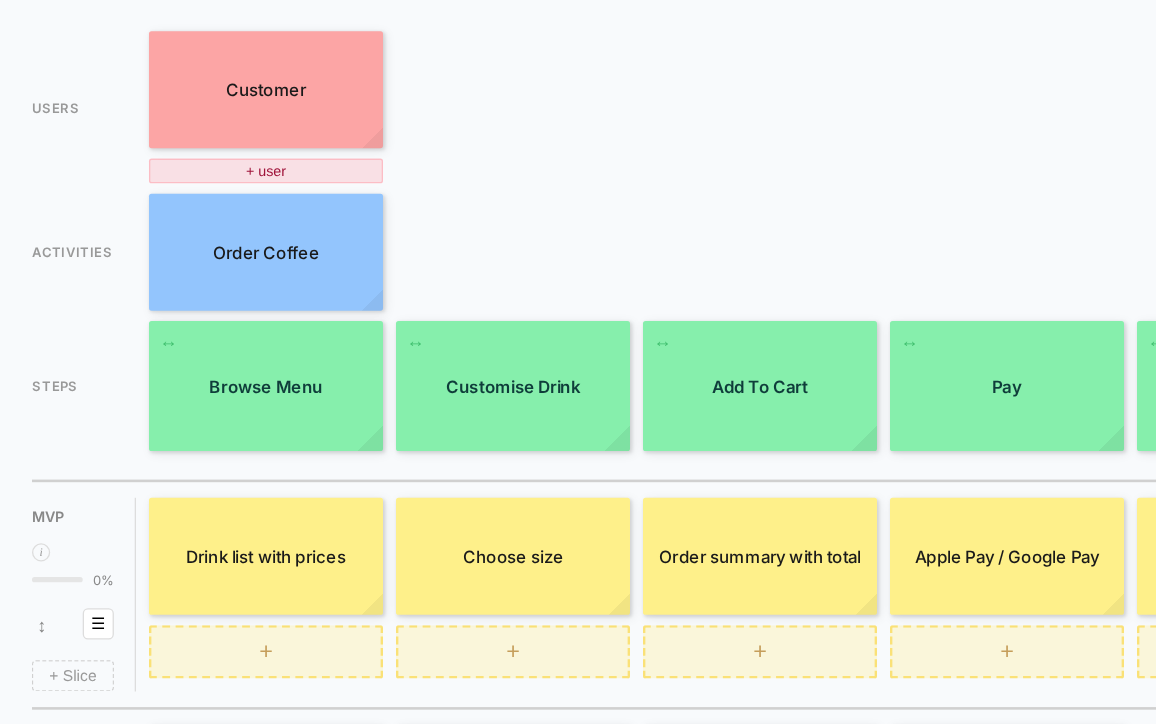
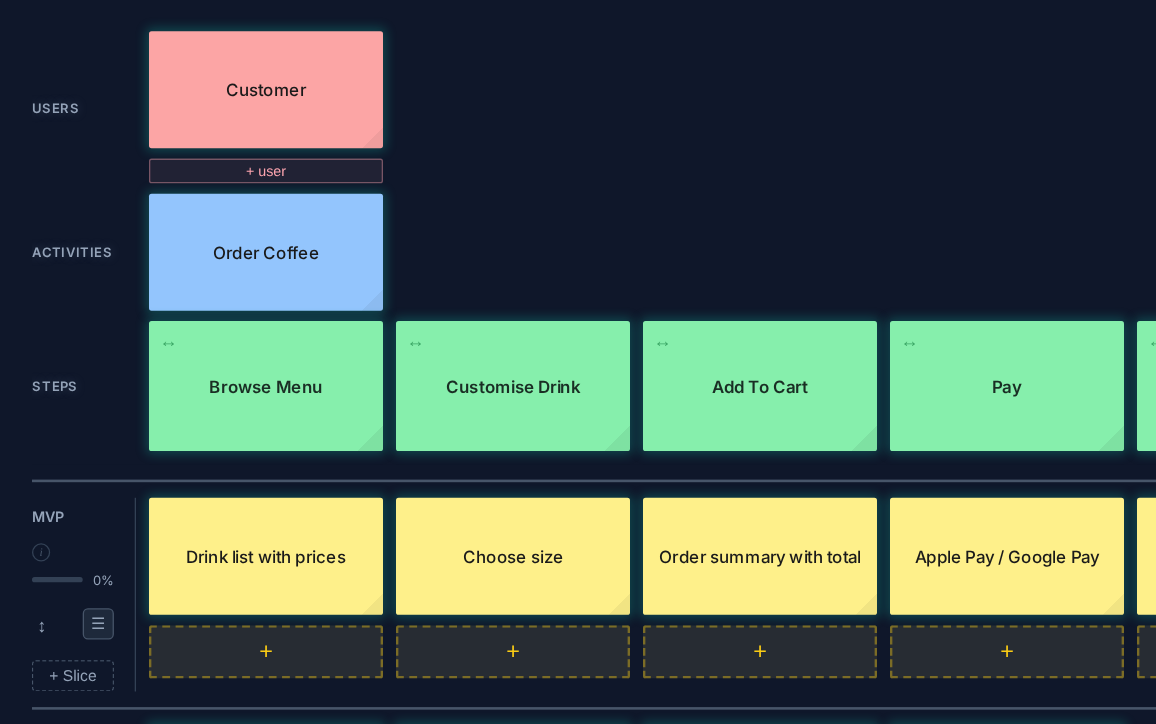
Map the journey
Lay out users, activities and steps
The backbone of the story map runs along the top and tells the story of the product from left to right: the people it's for, the big things they're trying to do and the steps of their journey. The work behind each step sits under it as cards.
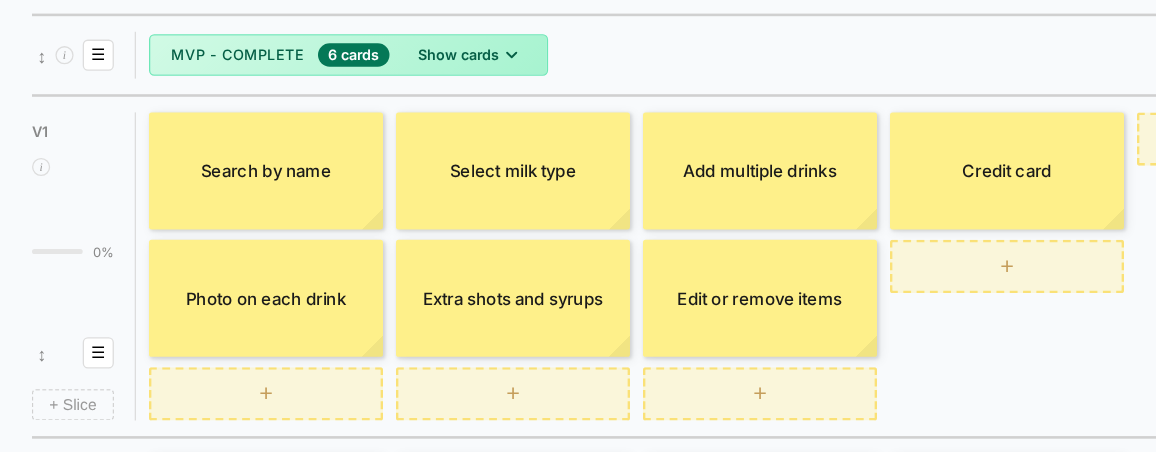
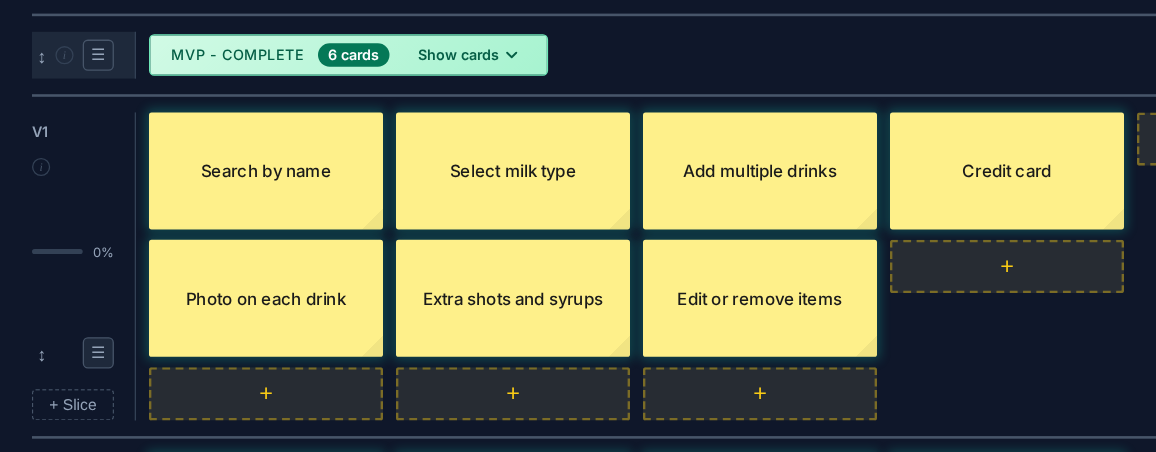
Plan releases
Slice out releases your team can ship
Story map slices group the cards you'll build together, such as an MVP and the releases after it. A slice runs across the whole user story map, so you can see what each release covers from start to finish, with its goal, date and progress.
Work with your tools
Import a backlog, export a plan
Bring a backlog in from Jira, Linear, Asana, Azure DevOps or Phabricator and arrange it as a user story map. The cards can go back to your tracker, or to an AI tool to build from.
Is Storymaps.io free?
Yes. Making, sharing and editing story maps together is free, and the code is open source.
Do I need an account?
No. Start a story map and share the link. Anyone with the link can open it and edit it with you, with no account of their own.
Can a team work on a story map at the same time?
Yes. Storymaps.io has real-time collaboration: everyone with the link edits the same user story map at the same time, and changes show for everyone as they happen.
New to story mapping? Read What is a user story map? and Create a user story map in the docs, or open the sample.