Built with Bolt from a user story map
Bolt builds the app with a database behind it, so an order shows up in the coffee shop view as soon as it is placed.
The prototype
-
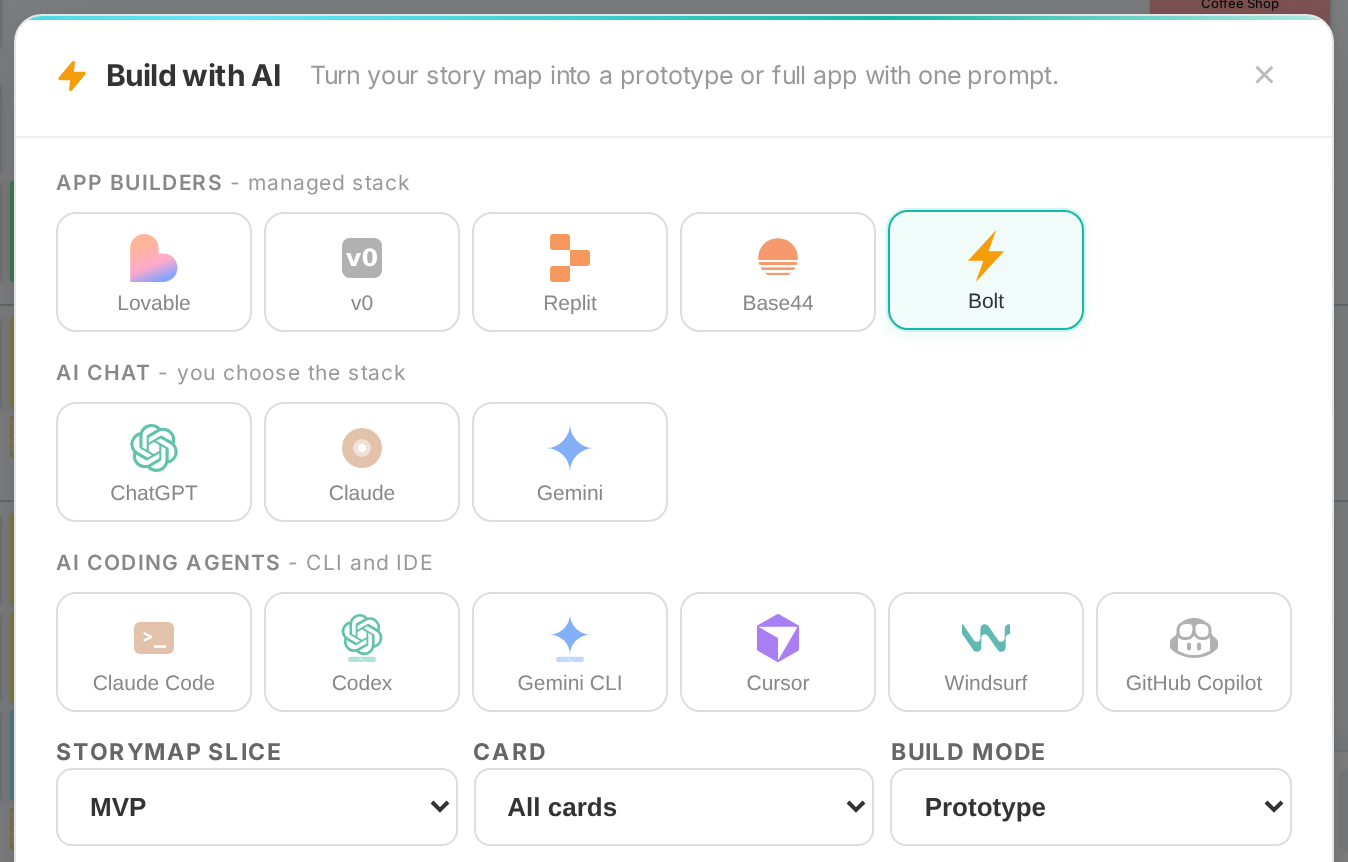

Click Build
On the coffee story map, pick Bolt and the MVP slice.
-
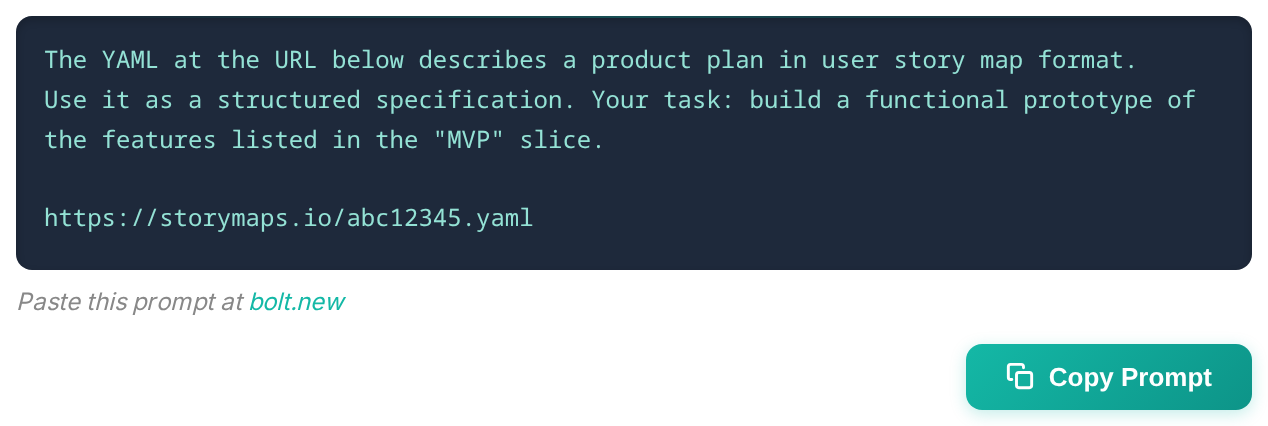

Copy the prompt
One prompt holds the whole plan.
-

Paste it into Bolt
Paste, send, and leave it to build.
-

Watch it build
It reads the story map, builds the app and says what it made.

Click through it
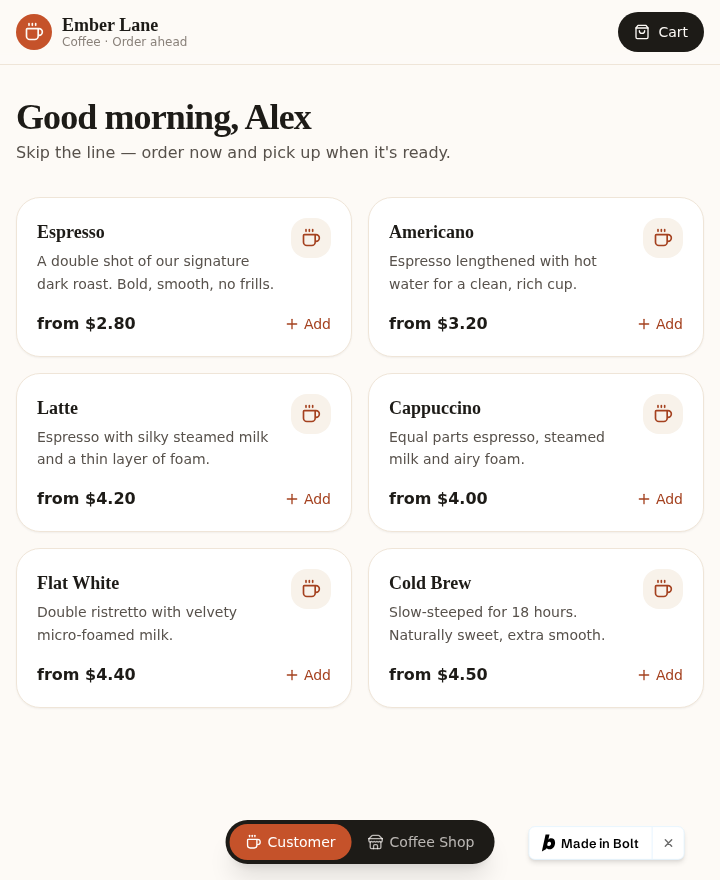
Browse the menu
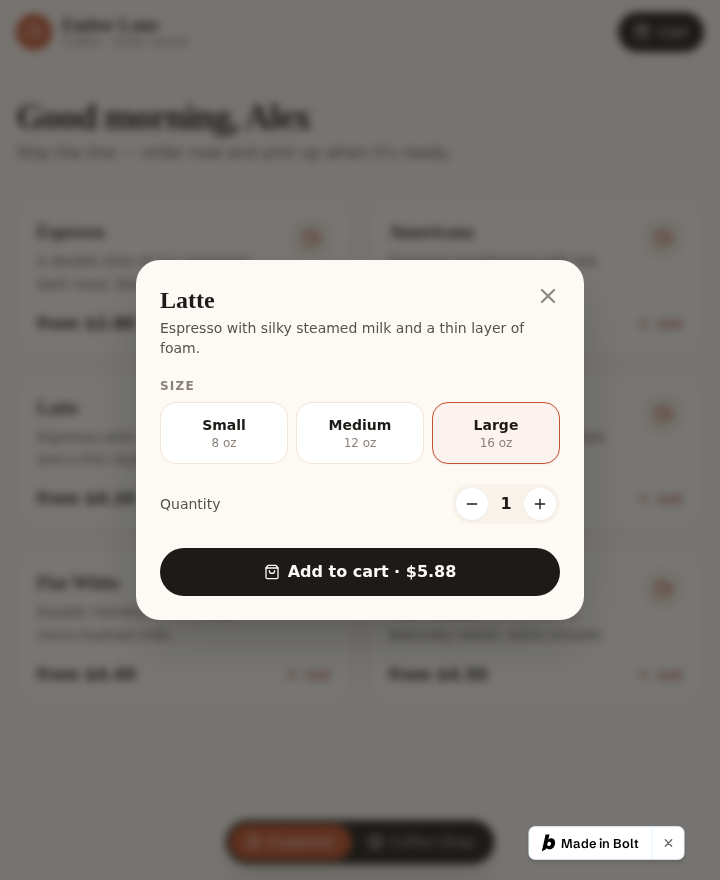
Choose a size
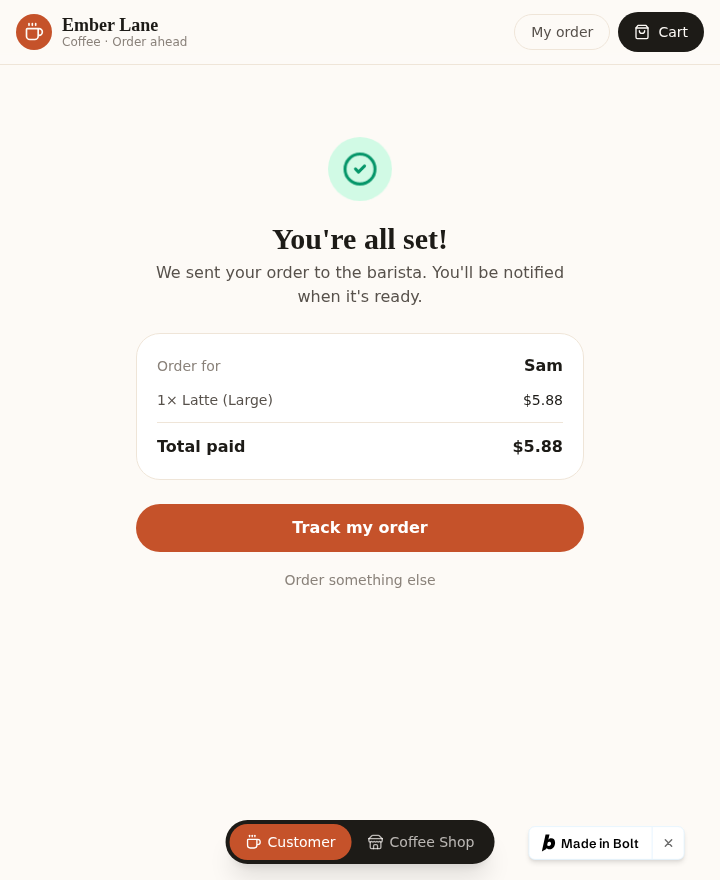
Pay, and the order goes to the barista
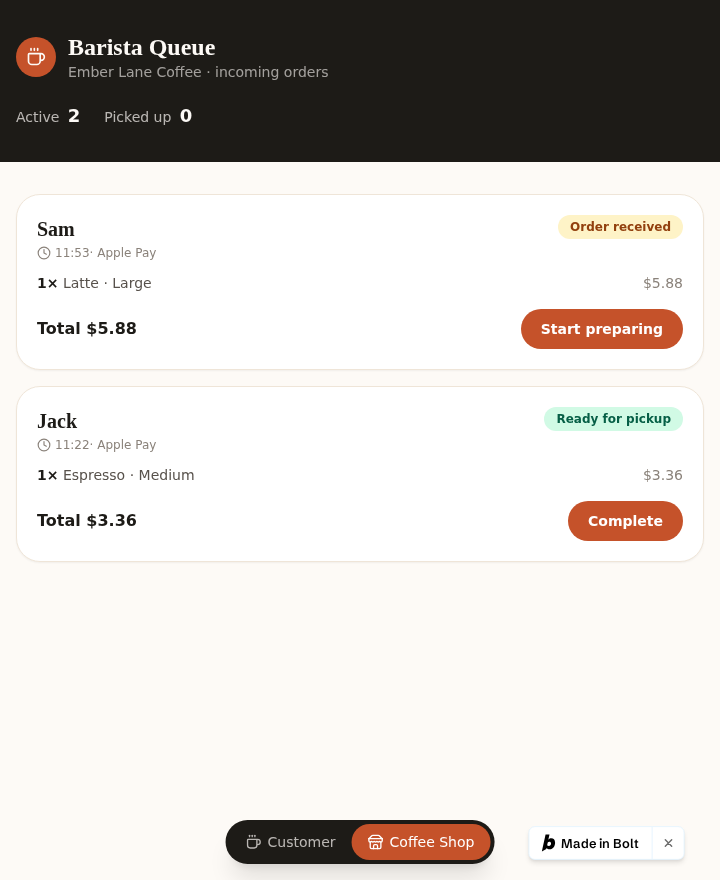
The barista queue shows the order
Check it yourself. The prototype is live at coffee-mvp.bolt.host
Note. Asked how useful the story map was as a spec, Bolt replied that it "worked well as a build blueprint", and that the coloured notes on the story map "pointed at real decisions a plain feature list would have missed".
Try it with the coffee story map
Open the story map these apps were built from, click Build and paste the prompt into an app builder.
Read the guide: Prototype an MVP with AI