Built with v0 from a user story map
v0 builds the app and shows it running beside the chat, ready to share.
The prototype
-
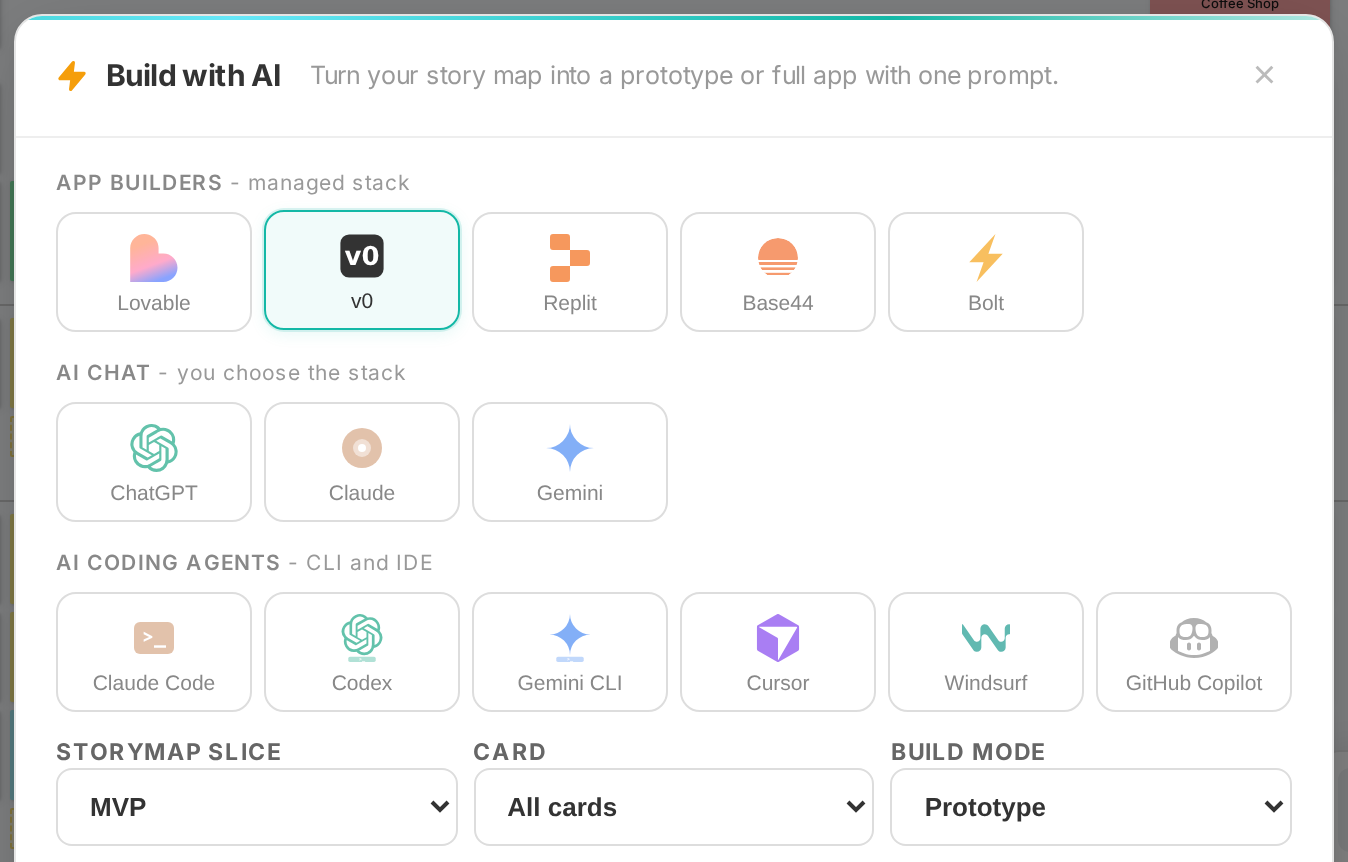

Click Build
On the coffee story map, pick v0 and the MVP slice.
-
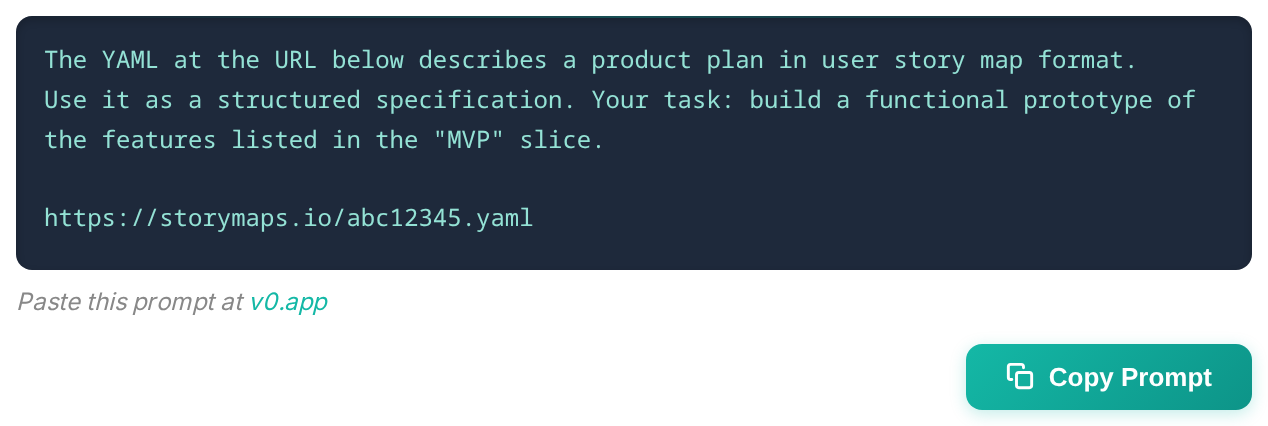

Copy the prompt
One prompt holds the whole plan.
-

Paste it into v0
Paste, send, and leave it to build.
-

Watch it build
It reads the story map, builds the app and says what it made.

Click through it
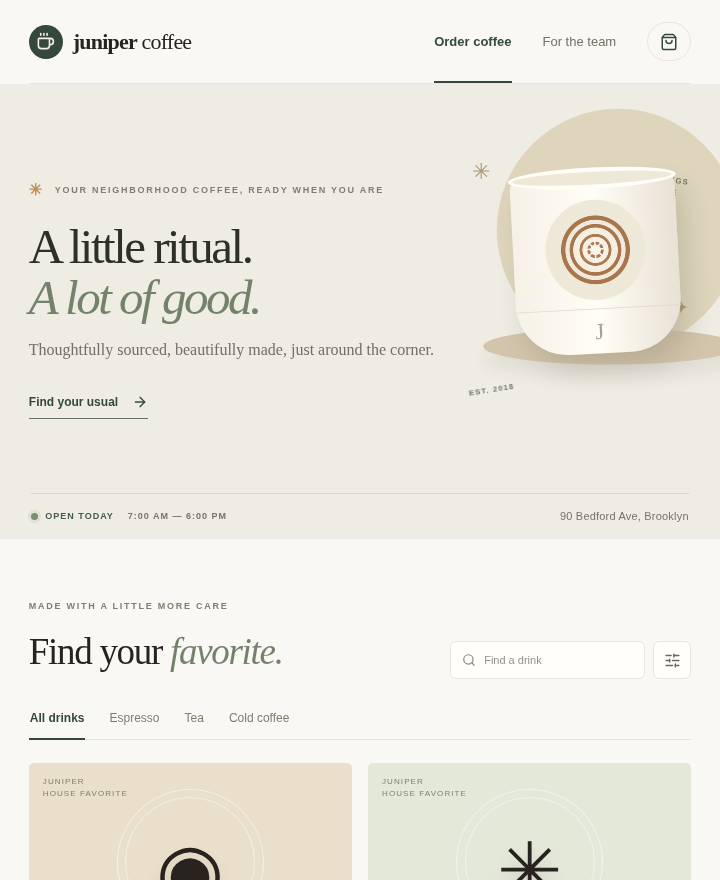
Open the app and find a drink
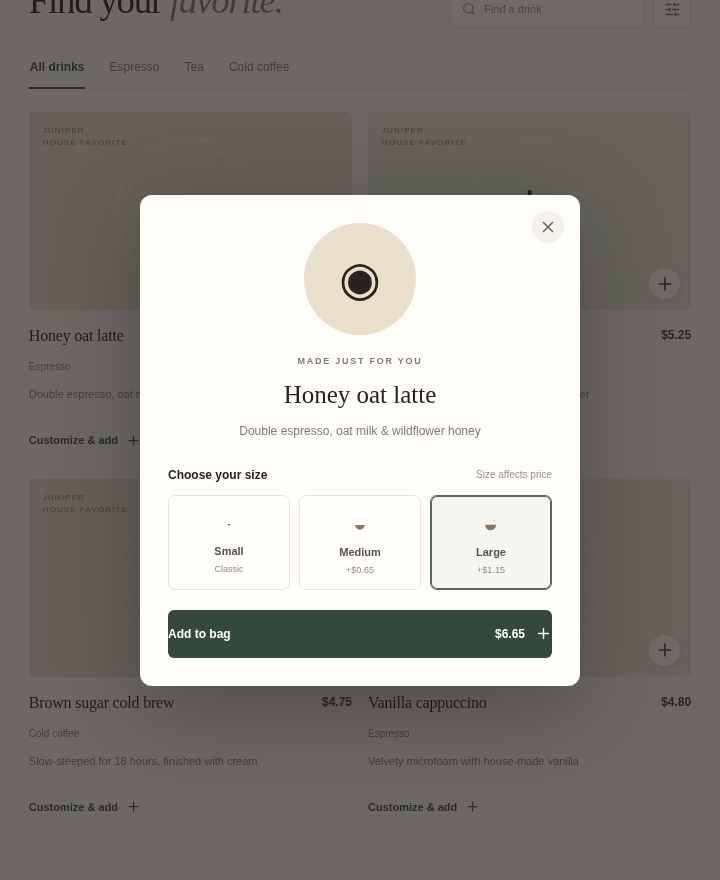
Choose a size
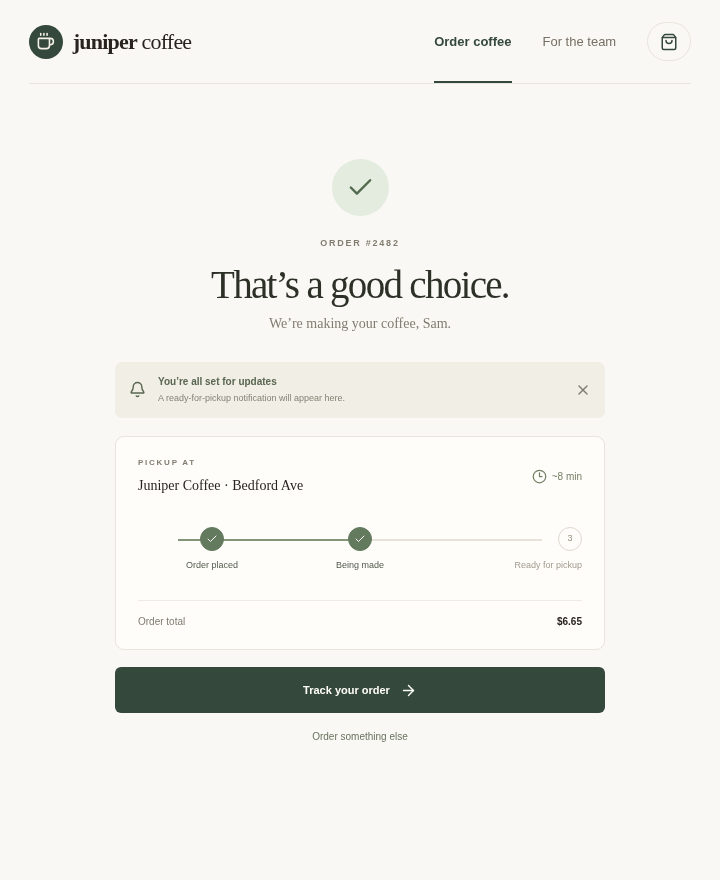
Pay, and follow the order
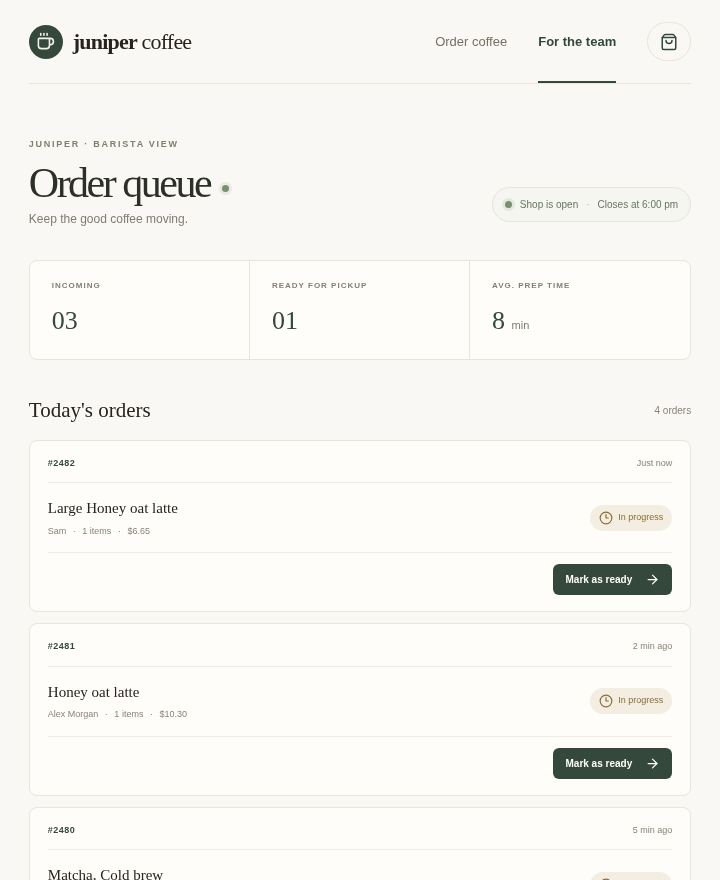
The team works through the order queue
Check it yourself. The prototype is live at v0-coffee-mvp1.vercel.app
The full app
The full app comes from the same coffee story map, with every slice in the prompt and not just the MVP. v0 added milks and extras for each drink, a page to track an order, and a team page with incoming orders and sales for the day. Payments are simulated.
Read the guide: Build a full app with AI-
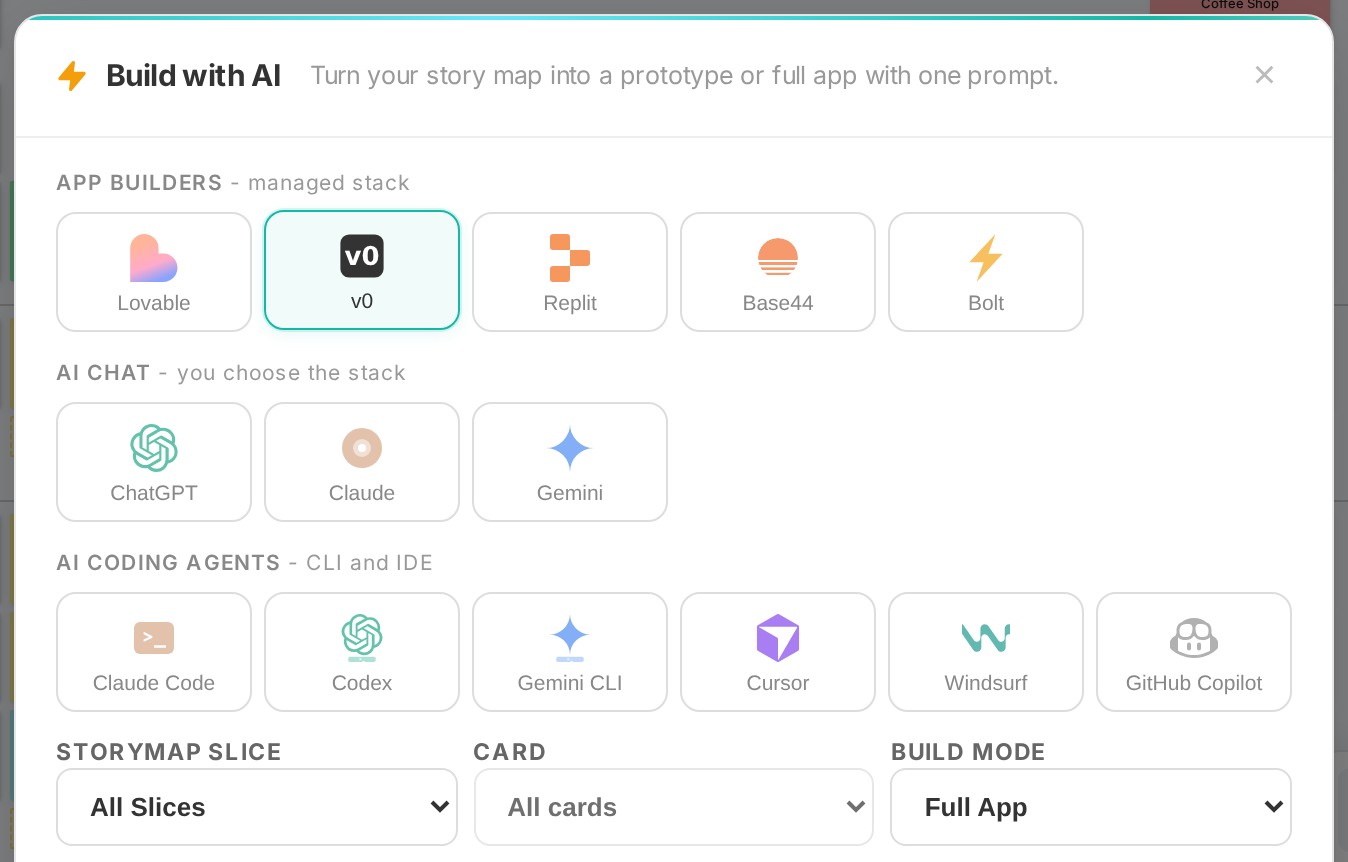

Pick All Slices and Full App
On the same coffee story map, pick v0, All Slices and Full App.
-
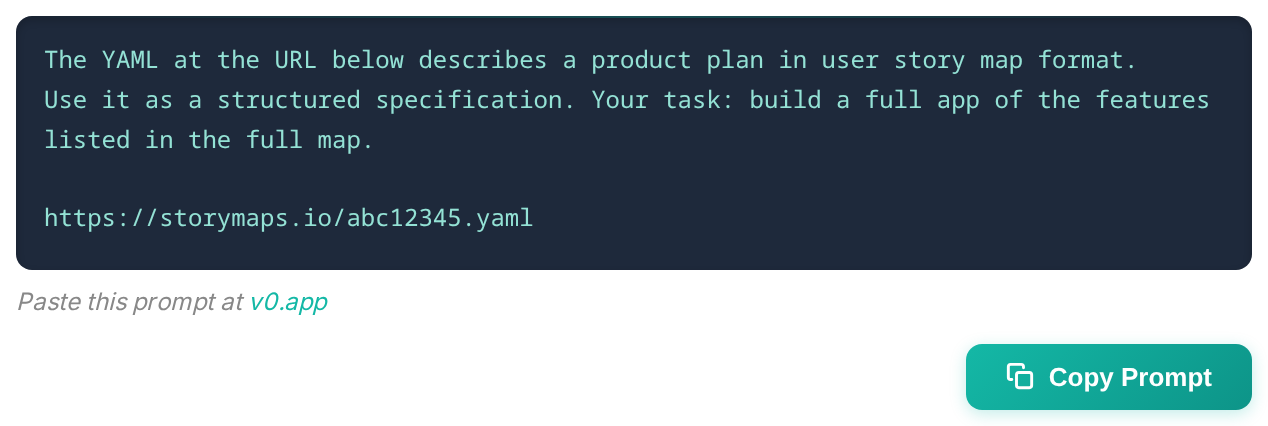

Copy the new prompt
It asks for a full app of the whole story map.
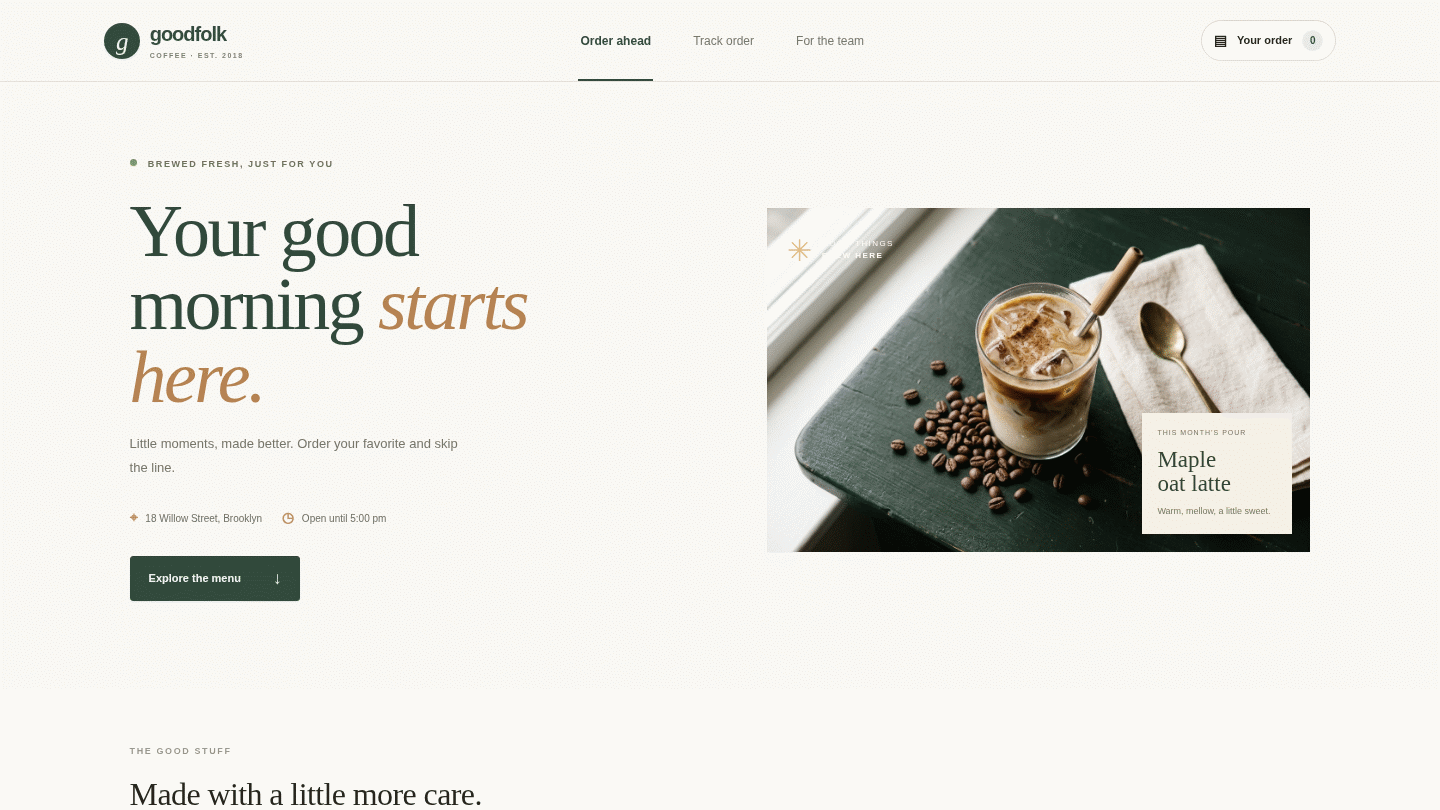
Click through it
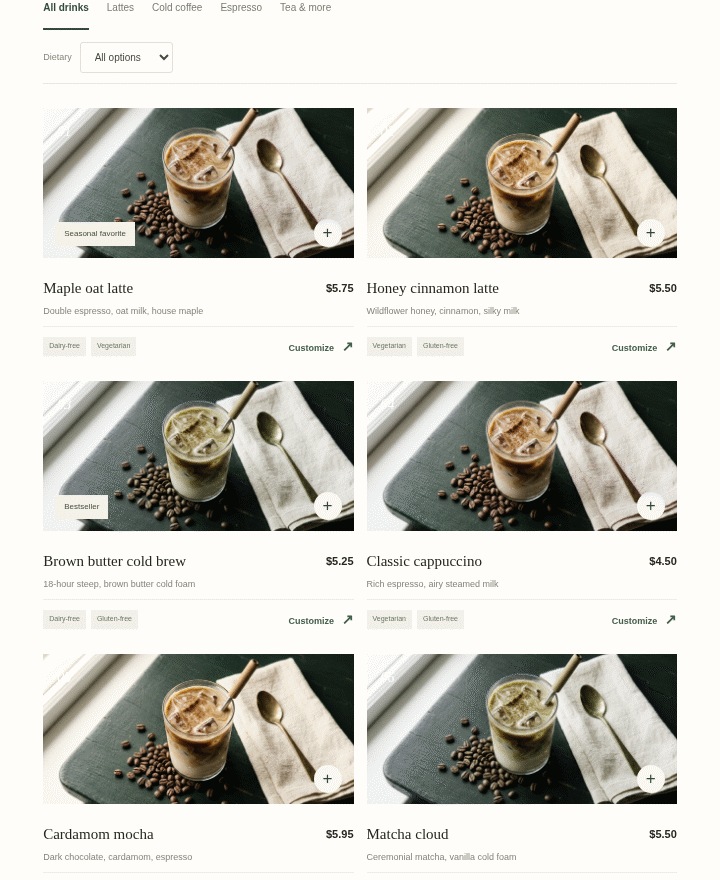
Browse the menu
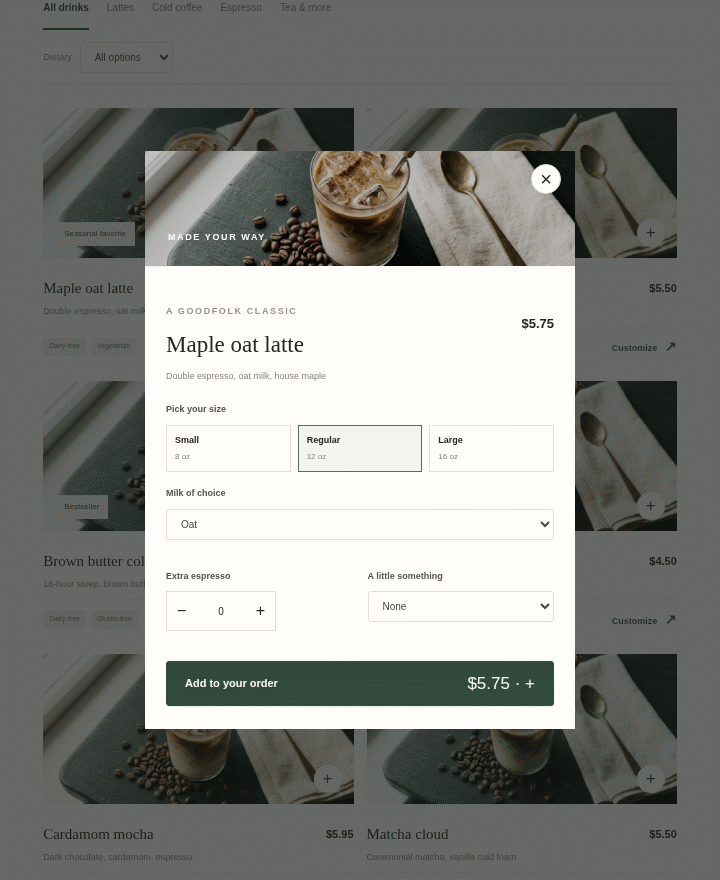
Make the drink your own, with a size, a milk and extras
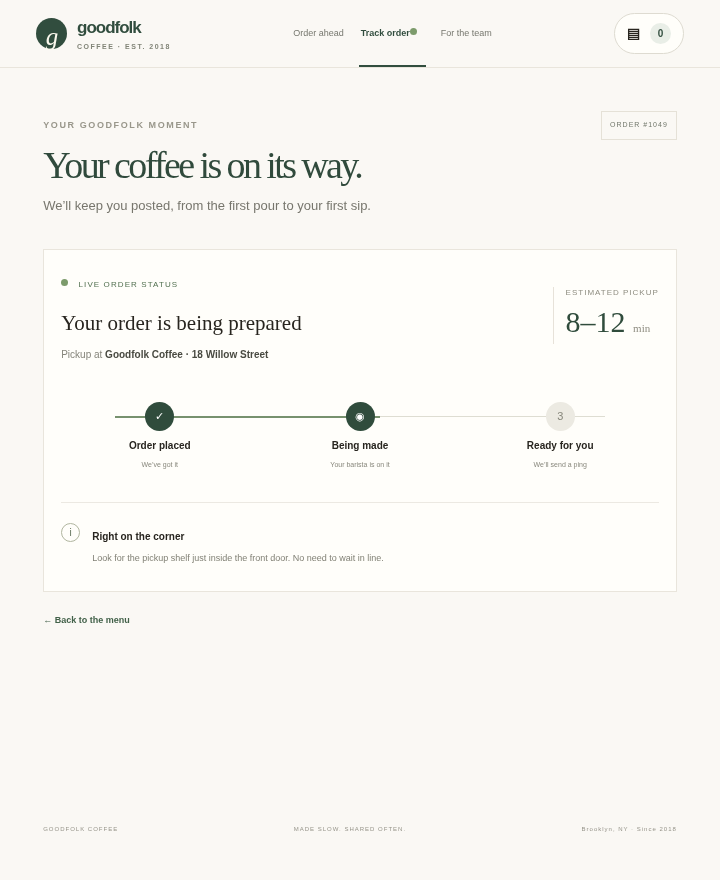
Place the order and follow it
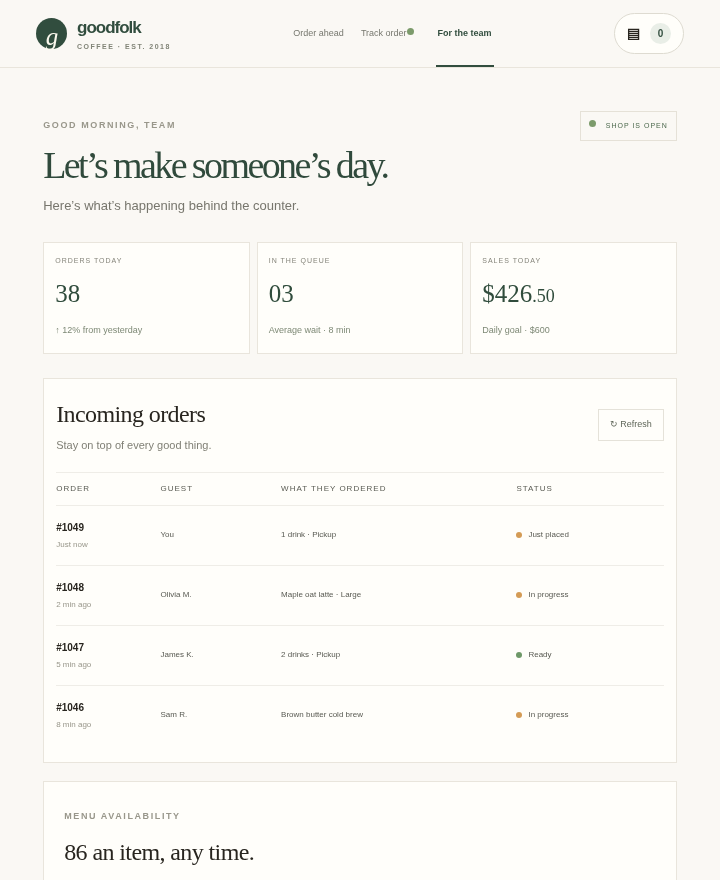
The team sees incoming orders and sales for the day
Check it yourself. The full app is live at coffee-app-full.vercel.app
Note. Asked how useful the story map was as a spec, v0 replied: "Very useful as a product and workflow blueprint: it identified the customer journey (browse, customize, cart, pay, track) and the coffee-shop order-management flow, plus phased features like dietary filters and delivery. It guided the app's core screens and interactions." It added that the story map does not set the visual design or the tech stack. By default the prompt leaves those to the builder, and you can set them yourself: add the look and the tech stack you want in Additional Instructions.
Try it with the coffee story map
Open the story map these apps were built from, click Build and paste the prompt into an app builder.
Read the guide: Prototype an MVP with AI